

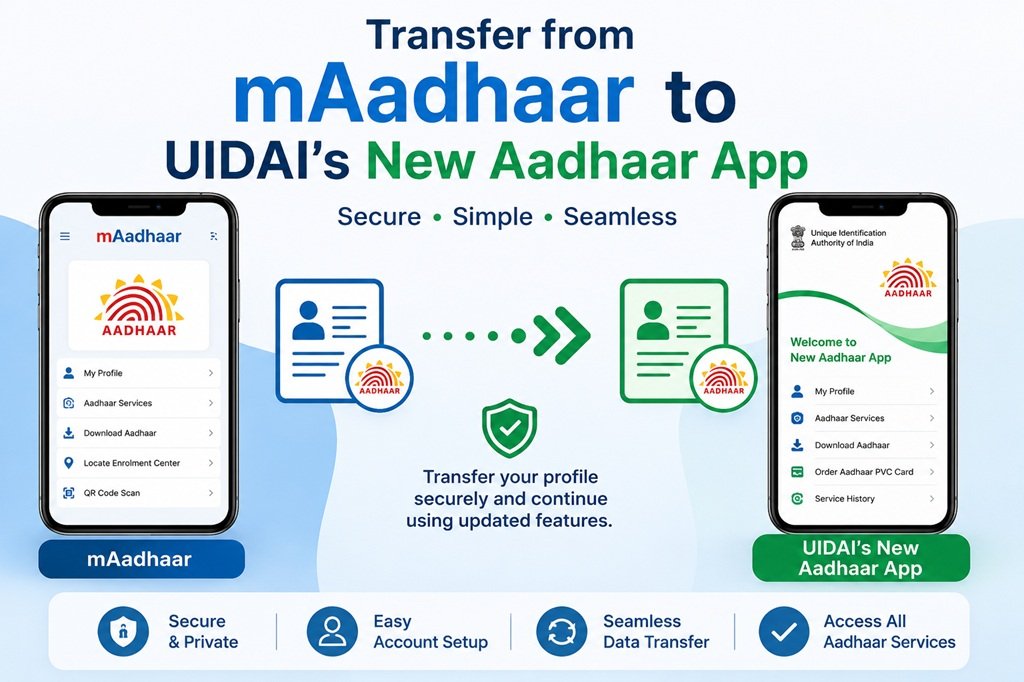
mAadhaar is old now. Unique Identification Authority of India (UIDAI) has introduced an entirely new Aadhaar mobile application. This app is expected to take over the place of the previous mAadhaar app which many of us have been using since years. The new Aadhaar App is offering multiple features and enhance security with face authentication and biometric lock. Users can manage their digital identity and share Aadhaar data securely. The app allows access to all Aadhaar details on smartphones. Updates like mobile number and address can be done through the app.
The old mAadhaar app has limitations – slow, less secure and less modern features such as multiple profile, face recognition, biometric locking, sharing QR code and offline access. So, new app was developed and launched in 2026. It is very clear from the statement made by UIDAI that the older mAadhaar application will no longer work after some time. Therefore, it will be better if one migrates to the newer application as early as possible so as to avoid any future inconvenience. The launch of the new application has raised several questions among the Aadhaar cardholders regarding migration from the older mAadhaar app to the new app.
Key Features of New Aadhaar app
The new Aadhaar app offers various services like mobile number update, address update, biometric lock and unlock, selective sharing of Aadhaar verifiable, credential, check aadhaar authentication history, download e-Aadhaar, share contact card, etc. Details are given below.
- Face Authentication: Along with OTP verification, you can use your face as a method of authentication. It is faster and safer.
- Biometric Lock and Unlock: Your fingerprints and irises will be securely locked by default and only unlocked for temporary usage.
- Multiple Profiles: You can keep up to 5 Aadhaar profiles on one device, which is ideal if you are a parent since you can manage the entire family from one application.
- Update Options: You can easily update some personal data like your mobile number or residential address using the application.
- QR Code and Verifiable Credentials: You can now share verifiable credentials using QR codes instead of sharing photocopies of your Aadhaar card.
- Offline Mode: Most of the features are still available offline once the application is installed.
- e-Aadhaar Instant Download: You have access to the latest version of the PDF file.
- Authentication Attempts: You can see the history of all attempts to use your Aadhaar ID and where exactly.
- Contact Card Sharing: You can create and send your contact card to the required individuals or services.
- Enhanced Security: You have enhanced security features including improved encryption and frequent updates.
These additional features will help you greatly when you want to apply for something.
How to download the new Aadhaar app and register your name
Step 1: Download the Official Application
You can download the app from Google Play Store for Android users or from Apple App Store for iPhones. The application name is “Aadhaar” which is provided by UIDAI.
Step 2: Launch the Application and Choose the Language
After downloading it, open it. Choose the language that you wish to access, such as English or Hindi.
Step 3: Register or Add the Profile of Yours
Input your 12-digit Aadhaar number and then verify yourself through your registered mobile number by entering OTP received via SMS.
Then complete the next process, which is verifying the face. It will require you to look straight into the camera of your phone in sufficient light. Also, take off glasses or masks if required.
If you have not registered your mobile number with UIDAI, then you might have to undergo initial authentication before adding your profile.
Step 4: Create Your Unique Security PIN
This involves creating a security PIN for your app which should have six digits in it (example: 987654). This will act as a password. Apart from that, most smartphones support other types of authentication methods, such as fingerprint/Face ID.
Step 5: Adding Other Profiles (Optional)
If managing the Aadhaar numbers of family members is what you want to do, just select the “Add additional profiles” and repeat the steps above. Note that only one primary profile may be in operation at once for certain transactions.
Step 6: Access the Dashboard
After all that, you will be able to access all sorts of things like your Aadhaar data, biometrics locking, updating of information, downloading of documents, and so forth.
Conclusion
Migrating to the new Aadhaar app by UIDAI is effortless, fast, and very convenient. With enhanced security measures, convenience of upgrading without going anywhere, availability of several profiles, and updated features, it becomes even easier to manage your crucial identity document.
Do not wait until the existing mAadhaar stops functioning. Install the new app immediately, follow the instructions outlined above to get it ready, and have peace of mind. In case of any difficulty, contact the UIDAI helpline number.

